

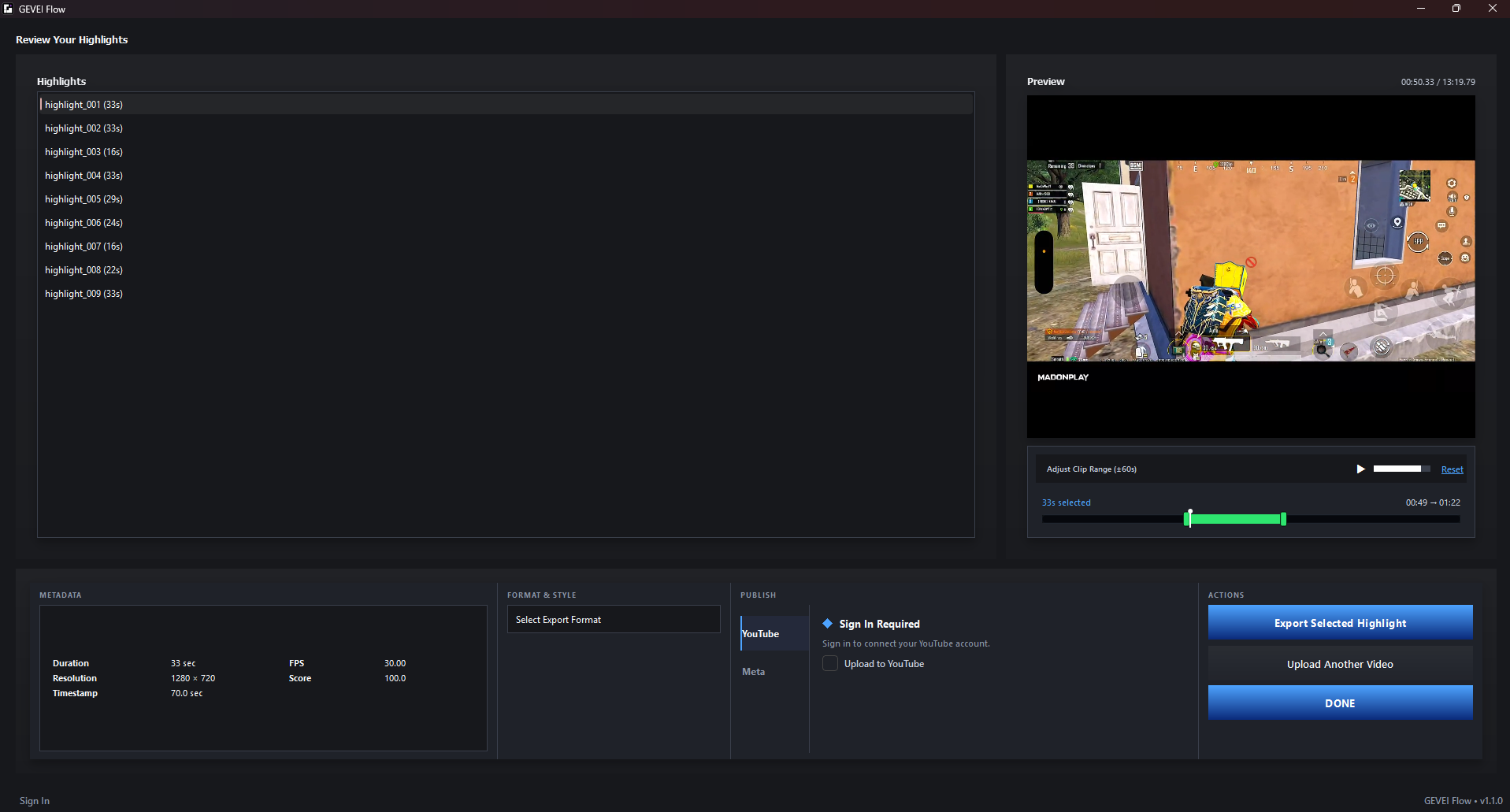
01 / AI CLIPPING
Find high-value moments automatically.
GEVEI FLOW analyzes the recording, surfaces candidate highlights and lets you review the strongest moments before exporting.
GEVEI FLOW / WINDOWS 64-BIT

GEVEI FLOW combines AI highlight detection and manual clipping so creators can turn long gameplay recordings into short-form content without losing control of the edit.

TWO WAYS TO CLIP
That flexibility is the point. Use automatic discovery when you want speed, and manual clipping when you want exact control.
GEVEI FLOW analyzes the recording, surfaces candidate highlights and lets you review the strongest moments before exporting.
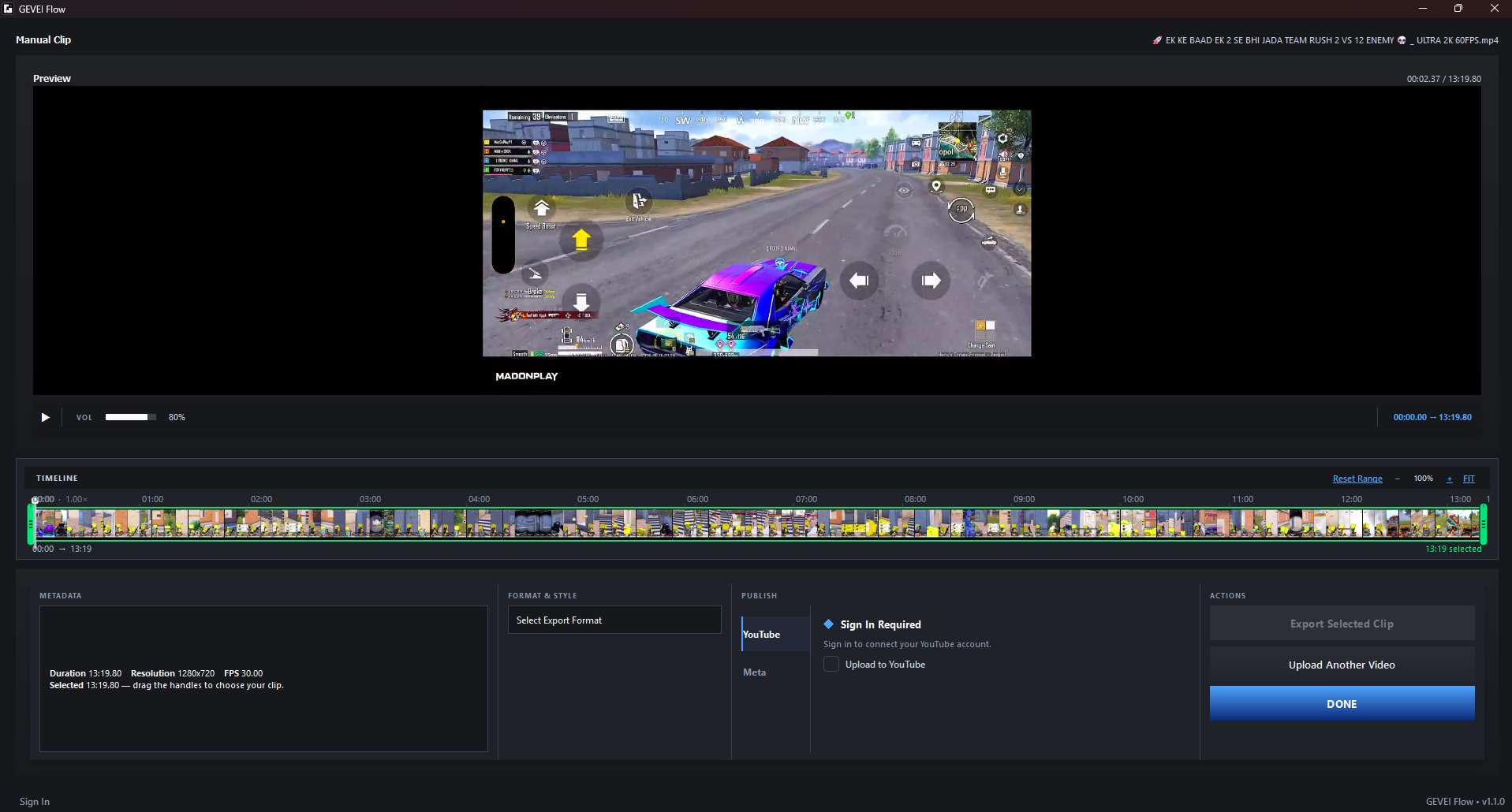
Already know the moment? Open the timeline, preview the footage and create the clip yourself with precise range control.
THE WORKFLOW
Everything happens inside one desktop workflow, from the first video file to the final publishing step.
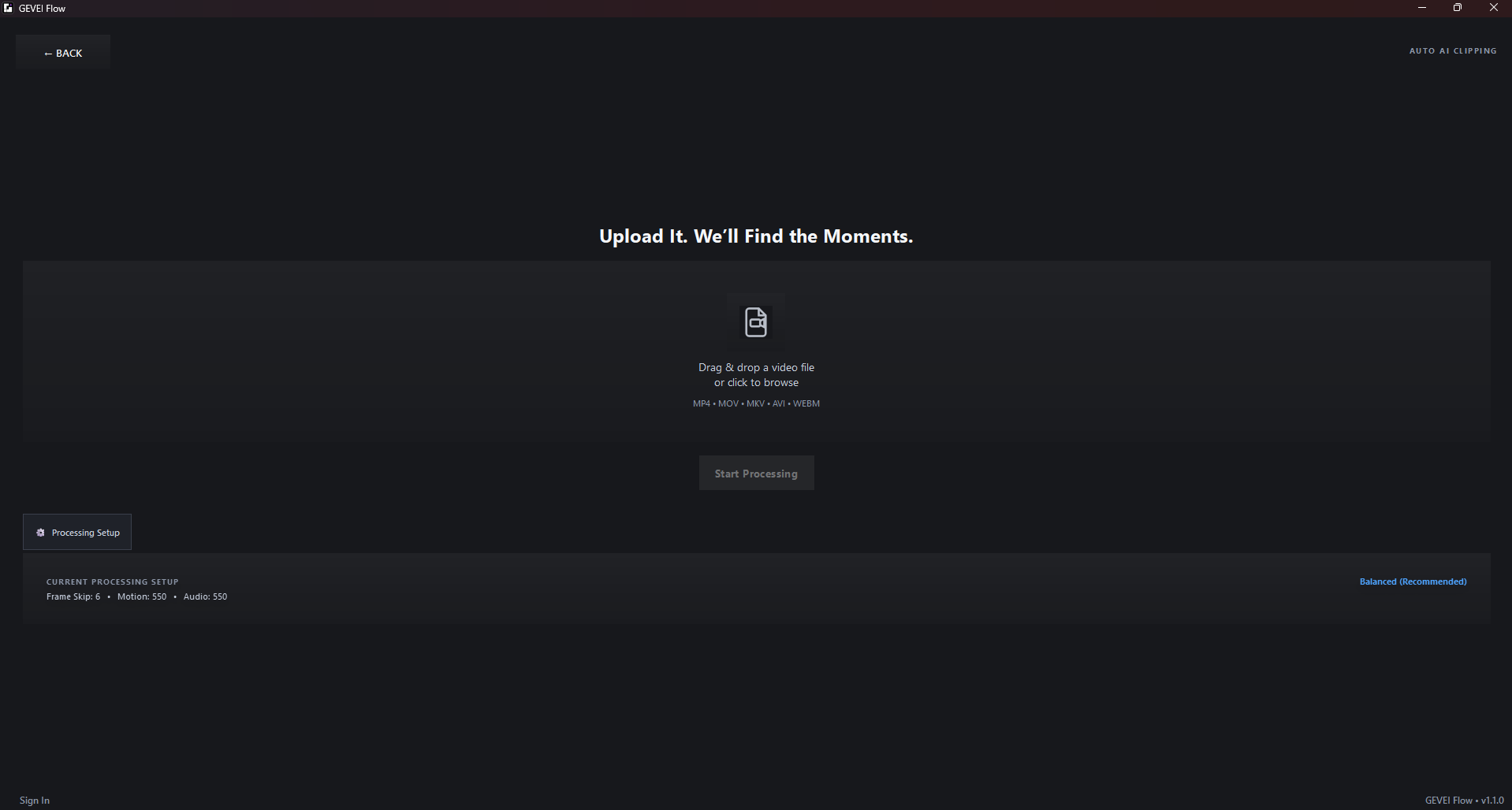
Drop in long-form footage and choose the workflow you want to use.
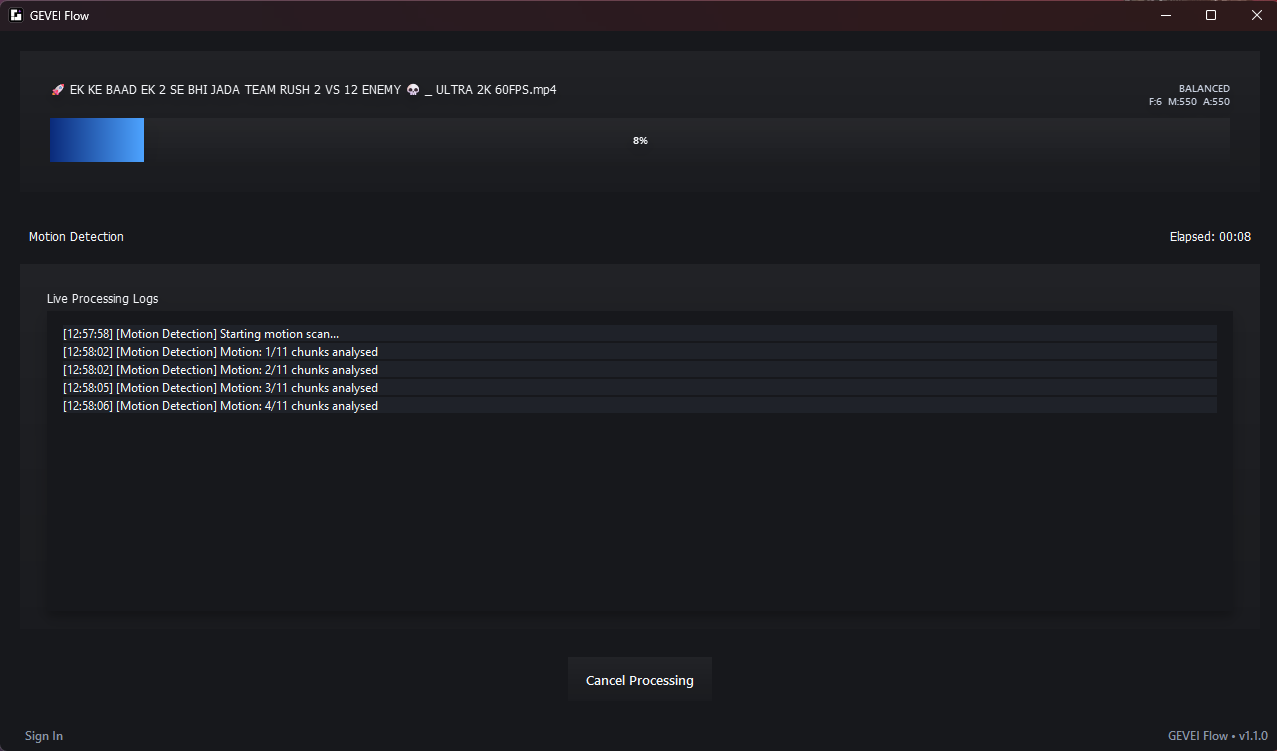
Local AI-assisted processing builds the signals used to discover candidate moments.
Preview detected highlights, adjust the clip range and select the moments you want to export.
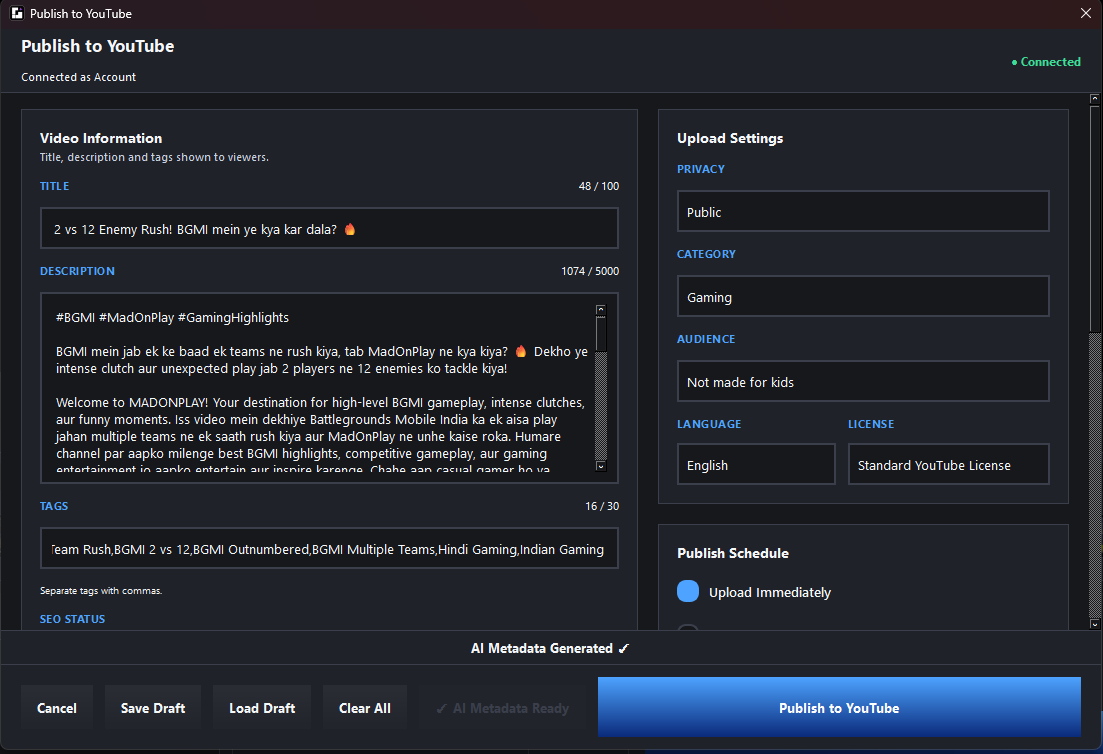
Generate optimized title, description and tags for the selected clip.
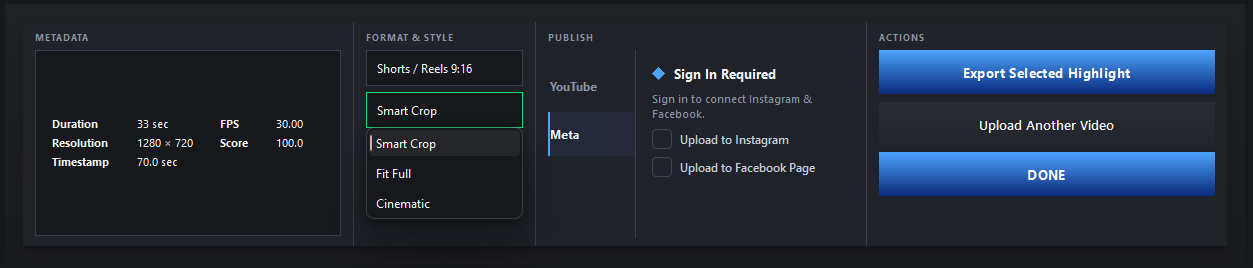
Choose supported formats and connected destinations, then move the clip toward release.
CREATOR BENEFIT
GEVEI FLOW is built around one simple idea: your best moments are already inside the footage. The software should help you reach them faster.
Use AI-assisted discovery to surface candidate moments instead of manually scanning every minute.
When AI is not enough, take over with the timeline and define the clip yourself.
Repurpose long gameplay and live recordings into short-form content ready for the next publishing step.

CONNECTED PUBLISHING
Use connected publishing options supported by the current build for YouTube, Instagram and Facebook workflows.
Get GEVEI FLOW →GEVEI FLOW
Download the official Windows release and start with the workflow that fits you: AI clipping for speed, manual clipping for control.
Download GEVEI FLOW ↓